




AI foundations
Responsible use
Practical prompting
Team workshops
Reusable workflows
Leadership briefings
The programme
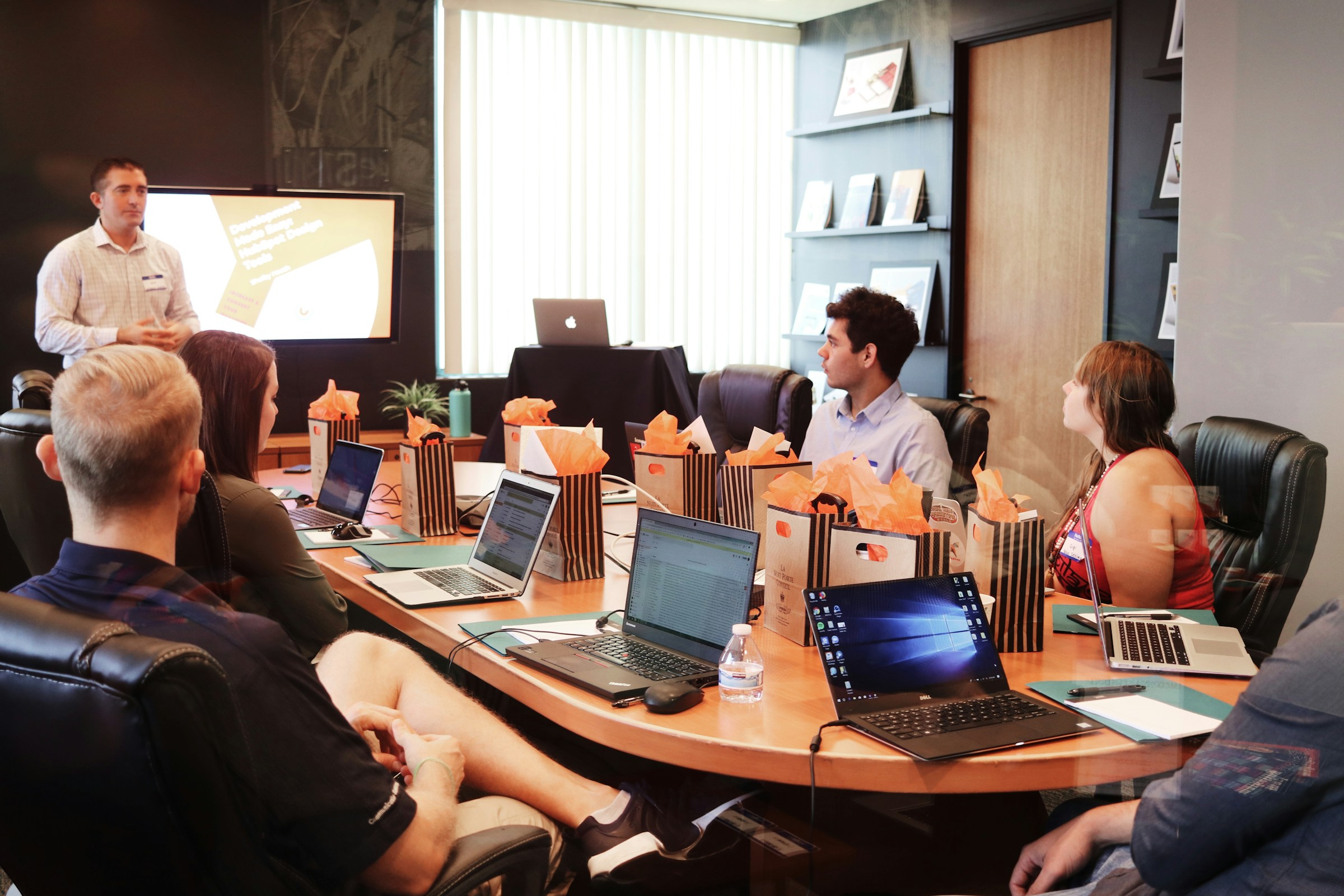
Start with a focused introduction, go deeper with role-based workshops or build capability over several months. We agree the audience, tools and learning goals first, then choose the right format, language and pace together.
Build confidence with tasks your team recognises. Practise framing requests, checking AI outputs and turning useful results into everyday habits. Anonymised examples can keep sensitive information out of the exercise.
Training formats
Start with an introduction for a shared understanding of AI. Choose role-based workshops for teams that need hands-on practice, or a sequence of sessions with time to apply and review what they learn. The format follows your goals, existing tools and starting level.
What you learn
AI fundamentals and responsible use: understand strengths, limitations and confidentiality. Practise giving clear instructions, checking sources and reviewing outputs before using them.
Everyday applications: prepare a meeting briefing from emails, transcripts and a spreadsheet, then turn it into a presentation and follow-up draft. In a more advanced workshop, build reusable AI instructions around your organisation’s tone and terminology. We agree the tools and exercises with your team.
Session structure
AI foundations: how language models work, where they typically fail and where your data may go. Participants learn to recognise confident but wrong answers, padded text and excessive caution, and the instruction that corrects each one.
Practice in your own tools: a clear prompt structure of role, task, specifics, format, context, examples and notes, then guided exercises in Outlook, Teams, Excel, Word and PowerPoint. The session closes with the team’s own tasks: what to hand to AI, what to keep and what to check.
From a client training
In our training with Premia Properties, participants used Microsoft Copilot to prepare a portfolio review, from the first email to the follow-up. They brought together emails, notes and a spreadsheet in Outlook, Teams, Excel, Word and PowerPoint. The exercise used fictional tenant data, not confidential client records.
01 Gather the context
Find the relevant emails, calendar entries and meeting notes. Agree what the meeting needs to achieve.
02 Work with the material
Use Copilot to summarise the sources and analyse a sample spreadsheet. Refine the request when important context is missing.
03 Check and prepare
Check key statements against their sources. Turn the result into a Word briefing and a presentation outline, then draft the follow-up.
The exercise produced a checked meeting brief, a presentation outline and a follow-up draft. The focus was on a repeatable workflow and checking AI results against the sources.
CLIENT STORY · PREMIA PROPERTIES
“Silvercrest AI’s training was clear, practical and tailored to the needs of different teams at Premia. It combined AI fundamentals and the practical use of Microsoft Copilot with examples from our everyday work, giving participants a useful framework they can apply in practice.”

After the workshop
Every participant leaves with a printed handout: how models behave, the typical failure patterns, the prompt structure and ready-to-use prompts for Outlook, Teams and Word. Reusable prompt templates match the team’s roles, for example email summaries, meeting briefings, data analysis and minutes.
Two weeks of email support follow the programme, so questions from real attempts get answered while new habits form. A follow-up session to review results and go deeper can be added. We agree materials, support and next steps before the programme starts.


